Time Sync through Firewalls for Valetudo

Valetudo has some built in functionality that makes use of the current time, however my vacuum is on a VLAN with absolutely no internet access. I would like to try out some of the time based features without needing to punch a hole in my firewall for internet based NTP, luckily this ended up being easier than expected.

Valetudo does let you configure the NTP time servers, and my vacuum can access home assistant. So why not run an NTP server there, which can sync to the internet, and provide time to my internal network, including valetudo. This all worked out well, so for others running valetudo and home assistant, just run the chrony app and point valetudo’s NTP settings at it and you’re off to the races.
Installing Valetudo on a Dreame X40 Ultra

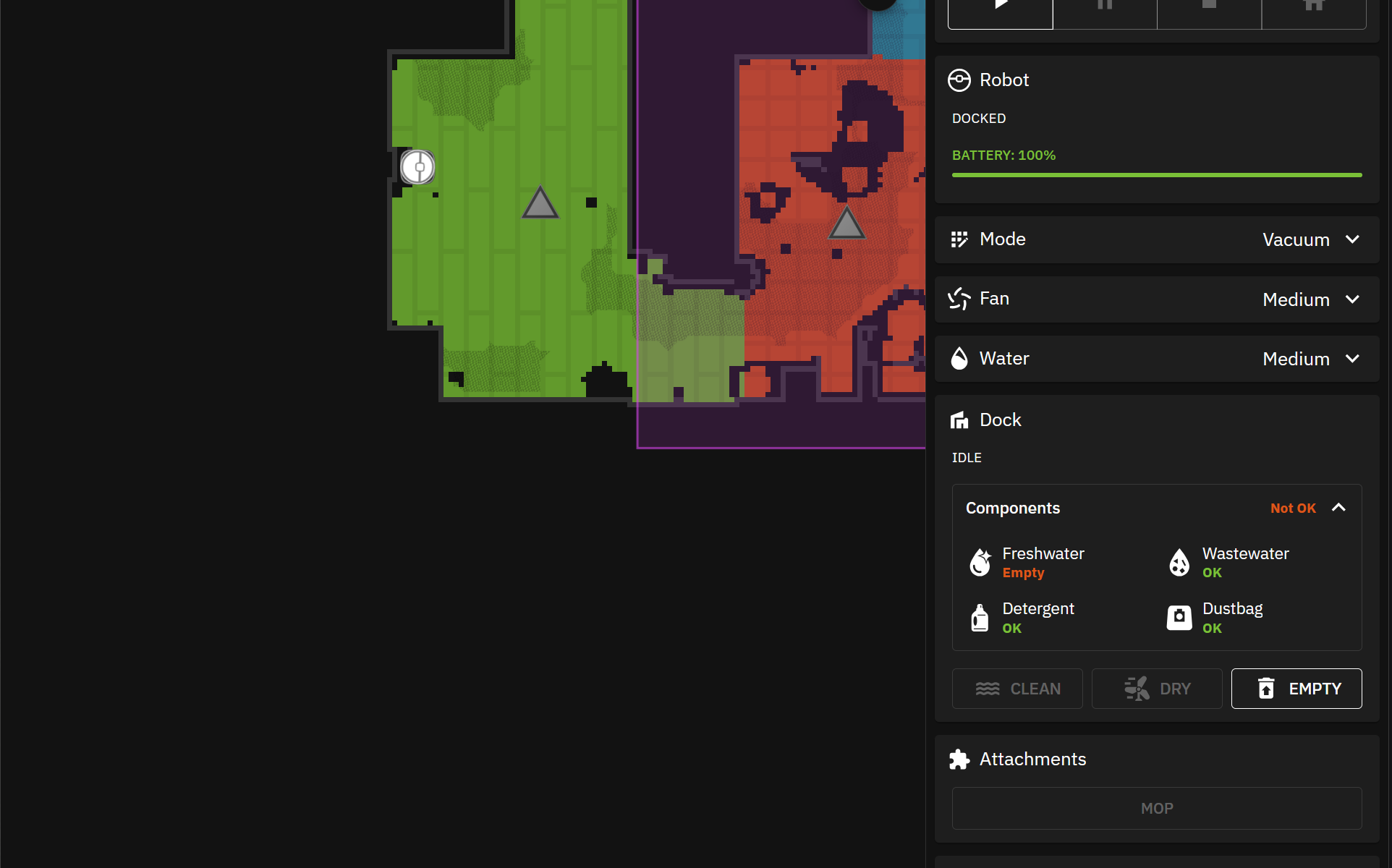
I picked up a Dreame X40 Ultra with the intent of installing Valetudo on it. Valetudo is an open source project that cuts the vacuums ties to the cloud and allows it to run entirely locally. This means the map of your house remains your own, the camera feeds from the vacuum remain yours, and all other sensor data remains local and isn’t sold to the nearest bidder.

Continue reading “Installing Valetudo on a Dreame X40 Ultra”

Roku Integration ECP Command Not Allowed

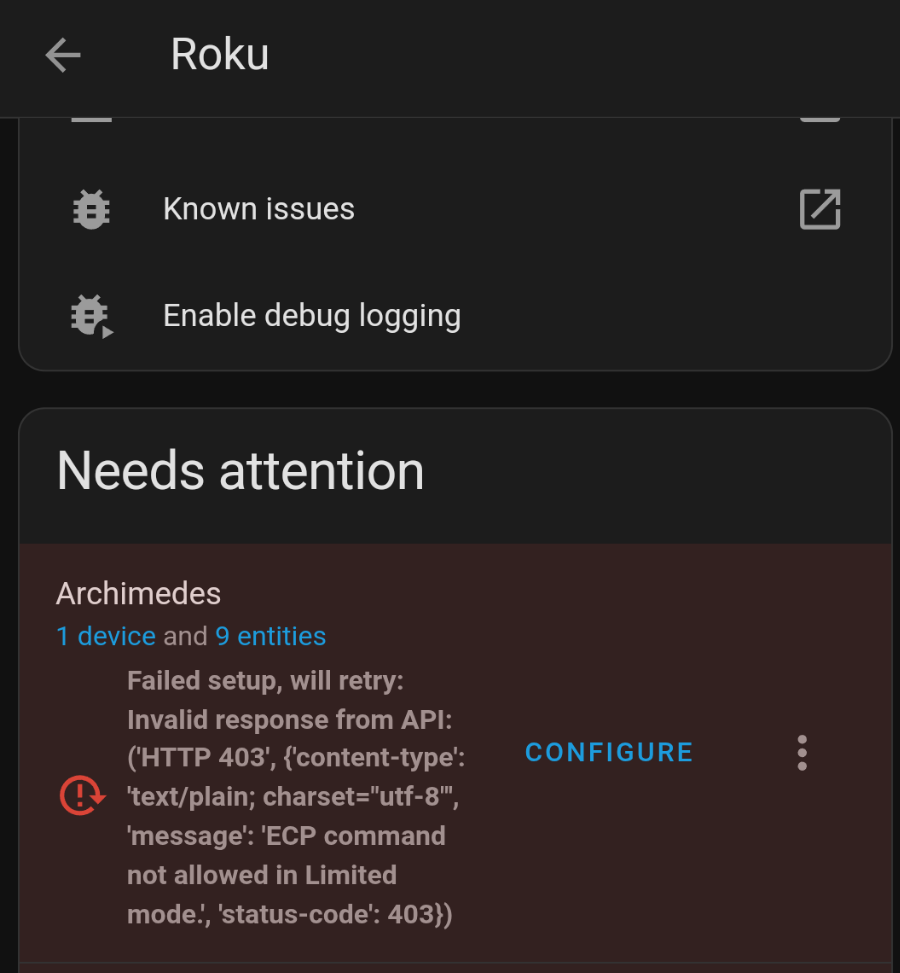
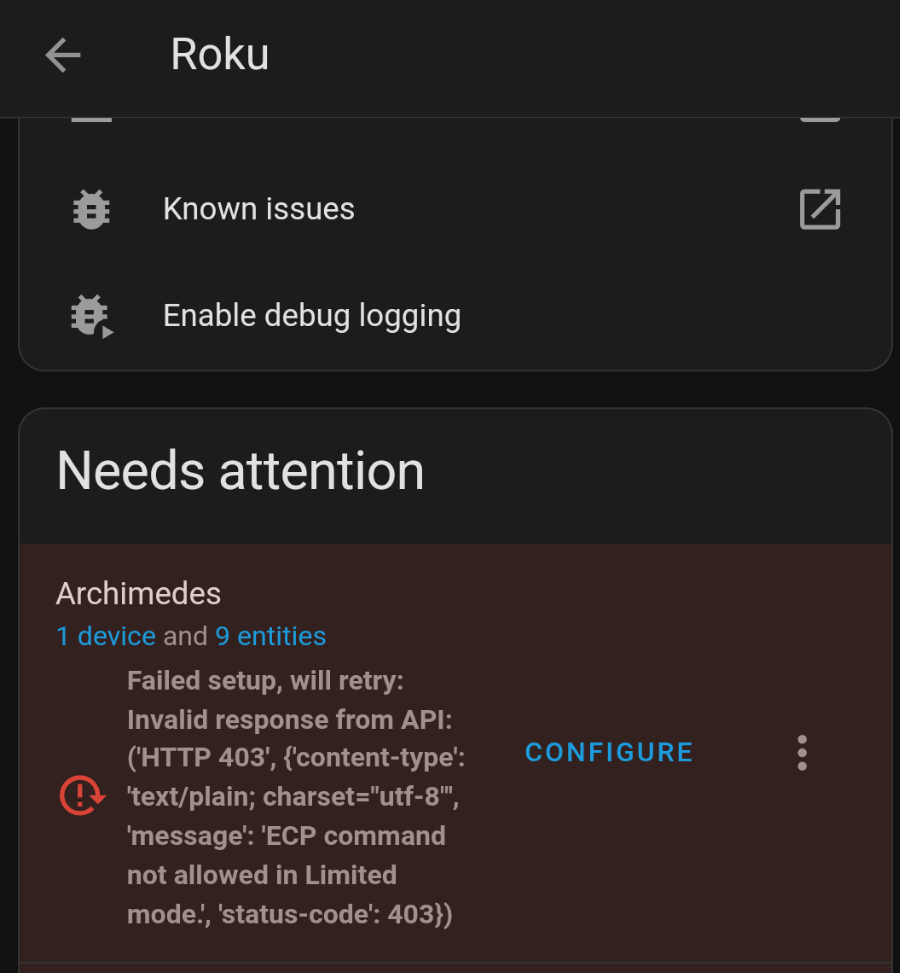
I noticed that my roku integrations in home assistant weren’t functioning. They were instead throwing an error that “ECP command not allowed in Limited mode”. Luckily this is a pretty easy thing to fix in Roku settings.

The Error I Encountered

Additional options were added to Settings > System > Advanced System Settings > Control by mobile apps > Network access. This is now defaulted to “Limited mode” which disables the access the integration needs. Putting this setting into “Permissive” or “Enabled” will fix the issue.

Resources:

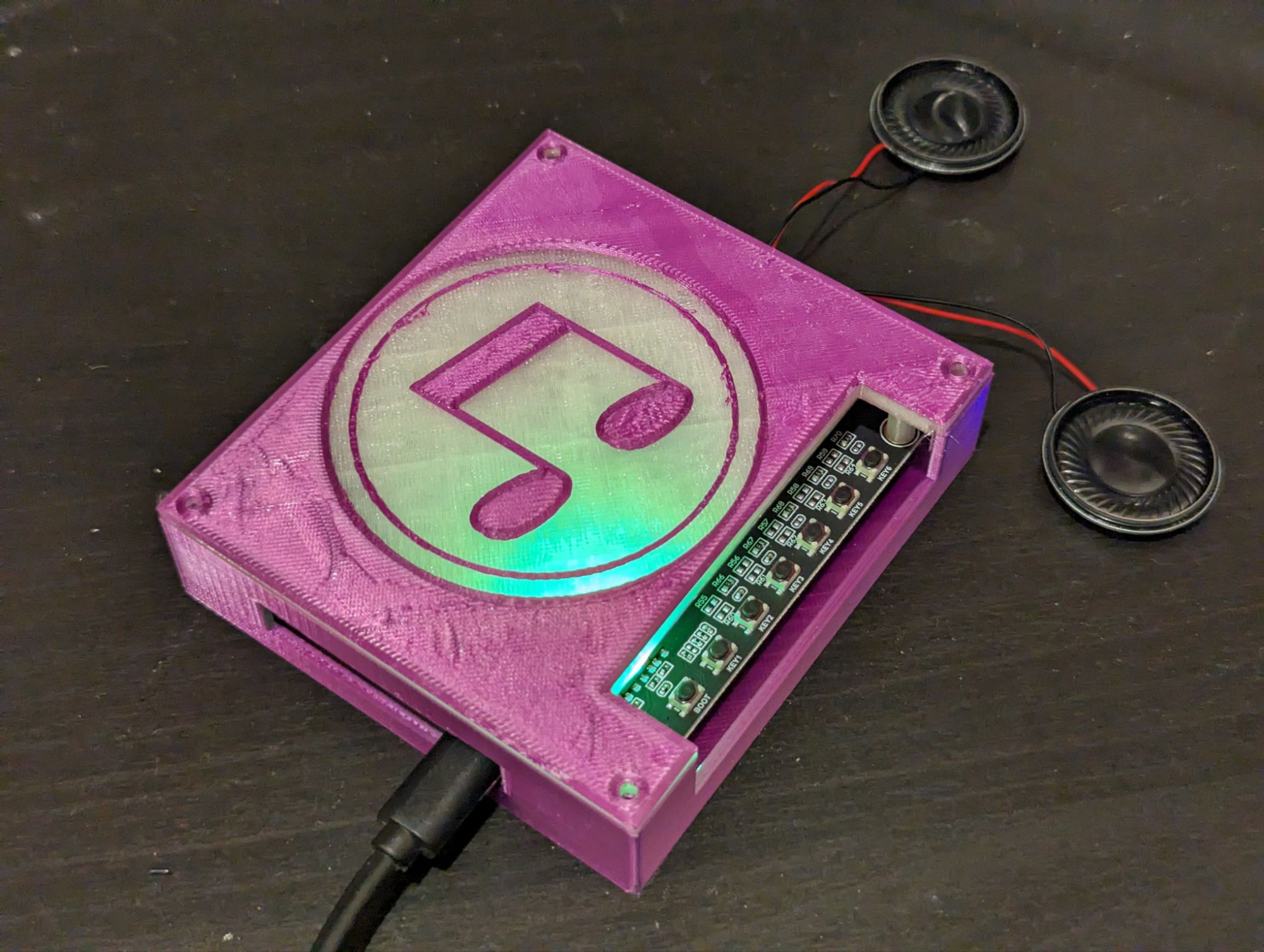
Tertiary Parts of an NFC Music Player

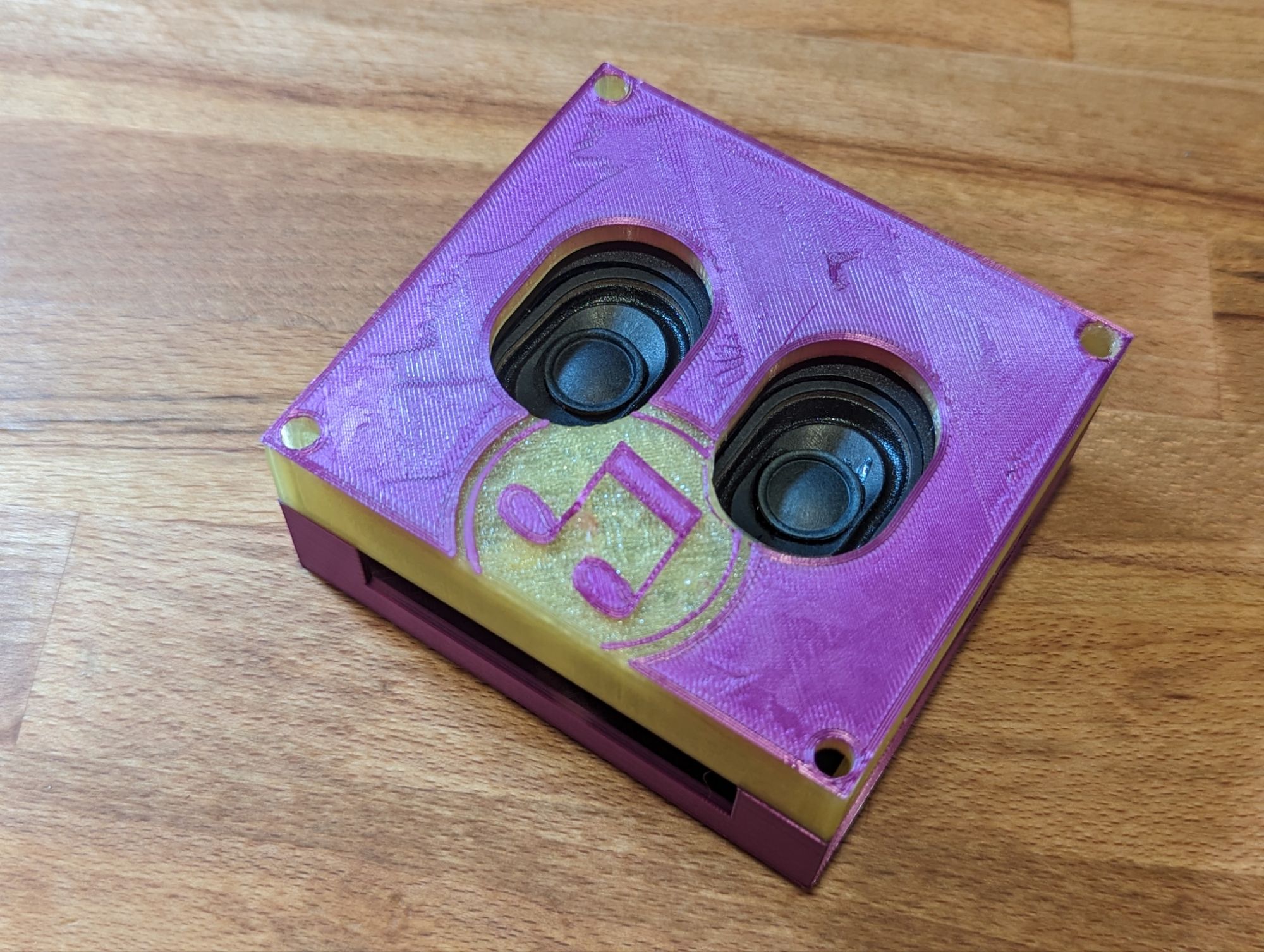
The devil is always in the details with large systems like this. I wanted my multi room audio system to feel like a polished product, a professional setup. For that I need to make sure I covered ALL the details, since it’s all the small things that can add up to big issues. Here is a smattering of the details I’ve been working on for my multi room audio system.

Continue reading “Tertiary Parts of an NFC Music Player”

Assigning Unique IDs to Template Helpers

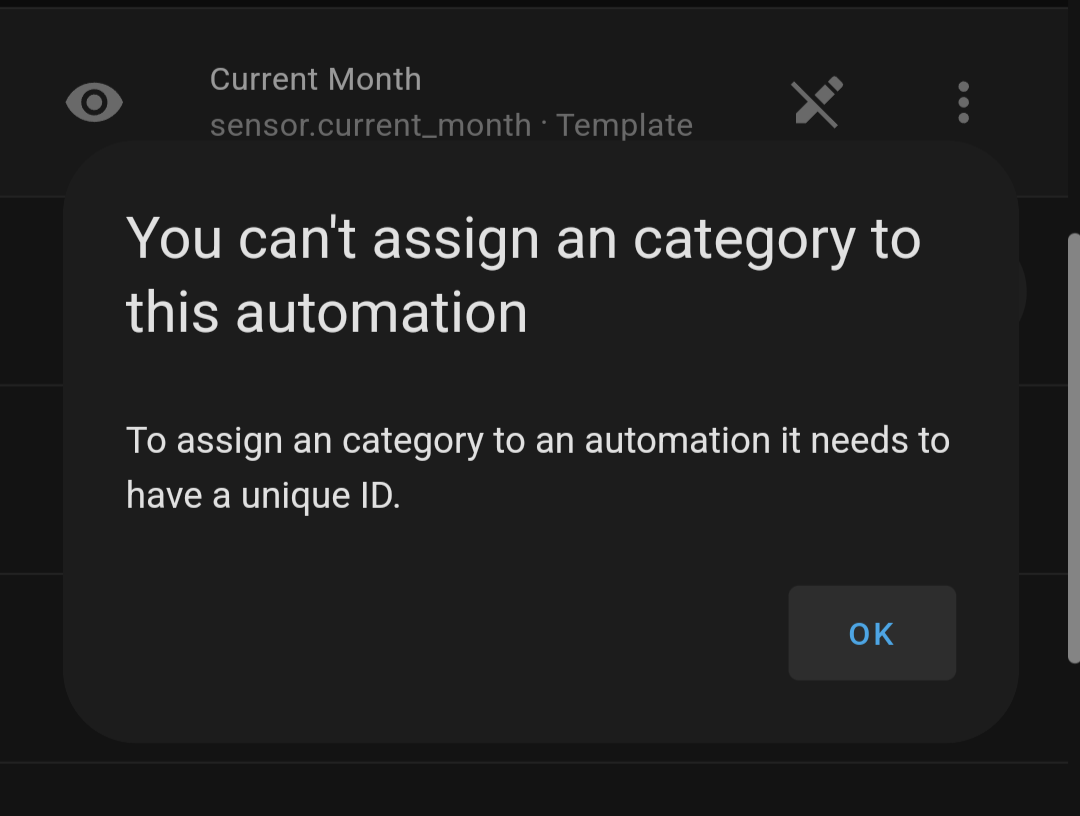
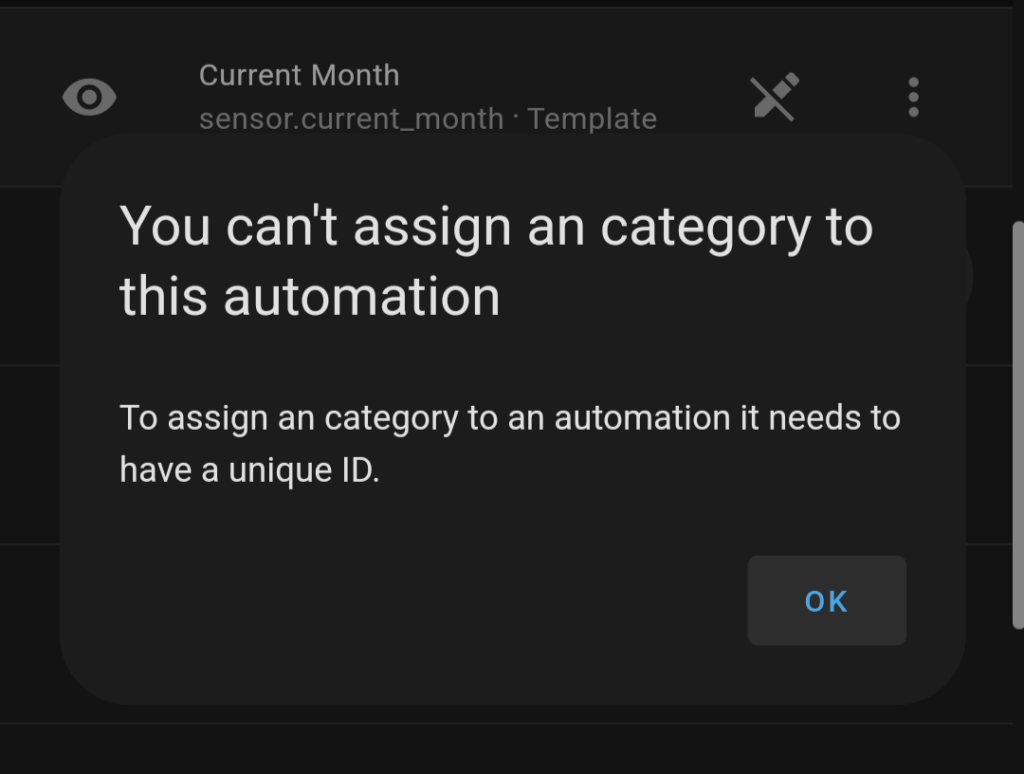
I ran into an odd issue while trying to use a template sensor, home assistant gave me an error that I needed to have a unique id in order to use the sensor. Luckily, this is surprisingly simple to add.

It really is just a one line addition to the yaml for the sensor to add a unique ID. You can also use an online generator to create the ID to make sure conflicts are avoided.

- sensor:
    unique_id: asdf
    name: a_to_b

Resources: