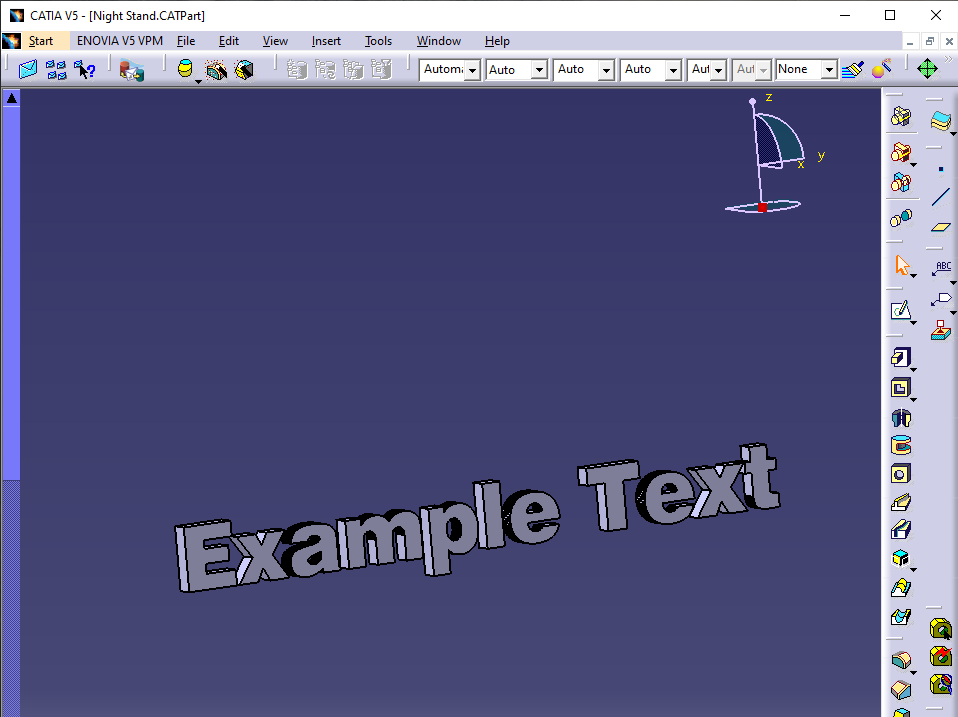
Catia doesn’t really handle adding text to it’s CAD models very well. There is a way to do it with a little bit of creativity though.
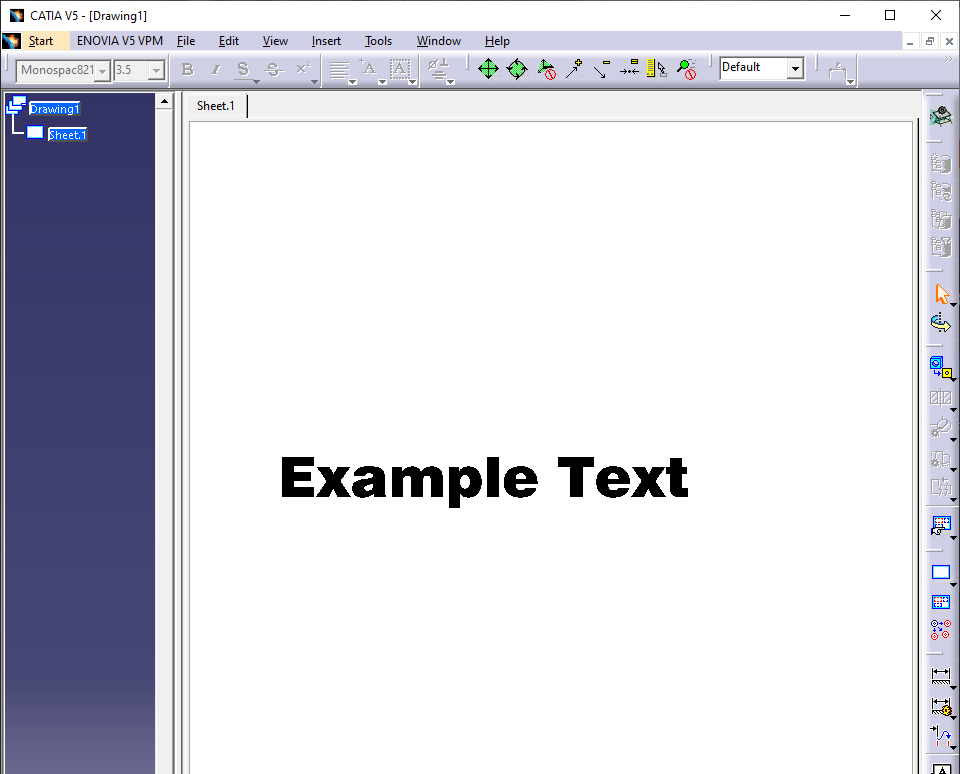
We first start out with a new CatDrawing. In this we’ll create the text object, set the font/size/etc as needed. Once thats all set, save it as a DXF file.
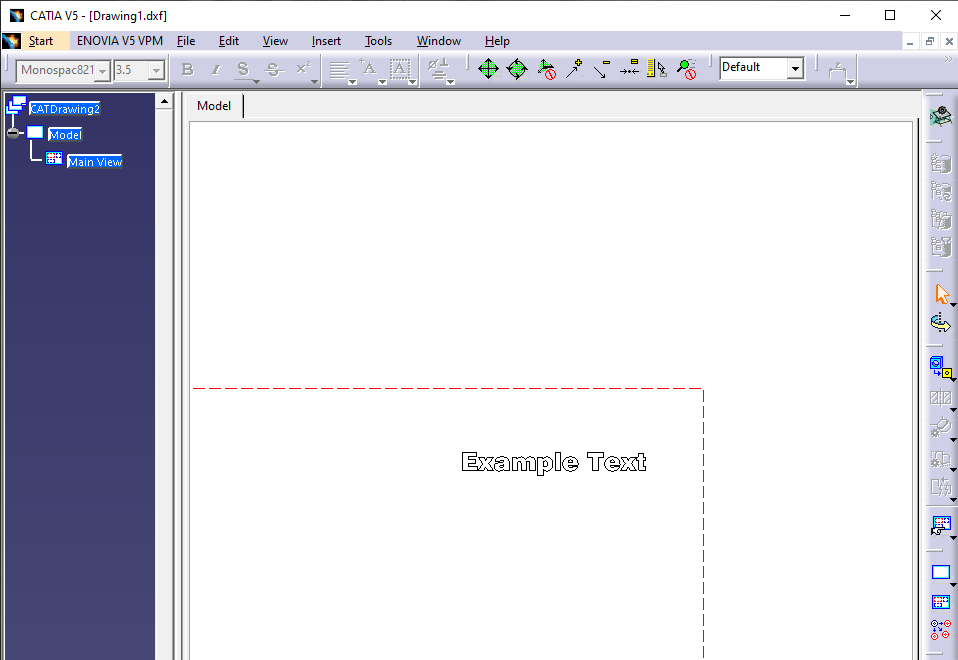
Next up we want to re-open the DXF in catia. This will have the text as raw vector objects rather than as text now. We want to copy that object so we can paste it into a drawing in the CatPart that we want to add the text into.
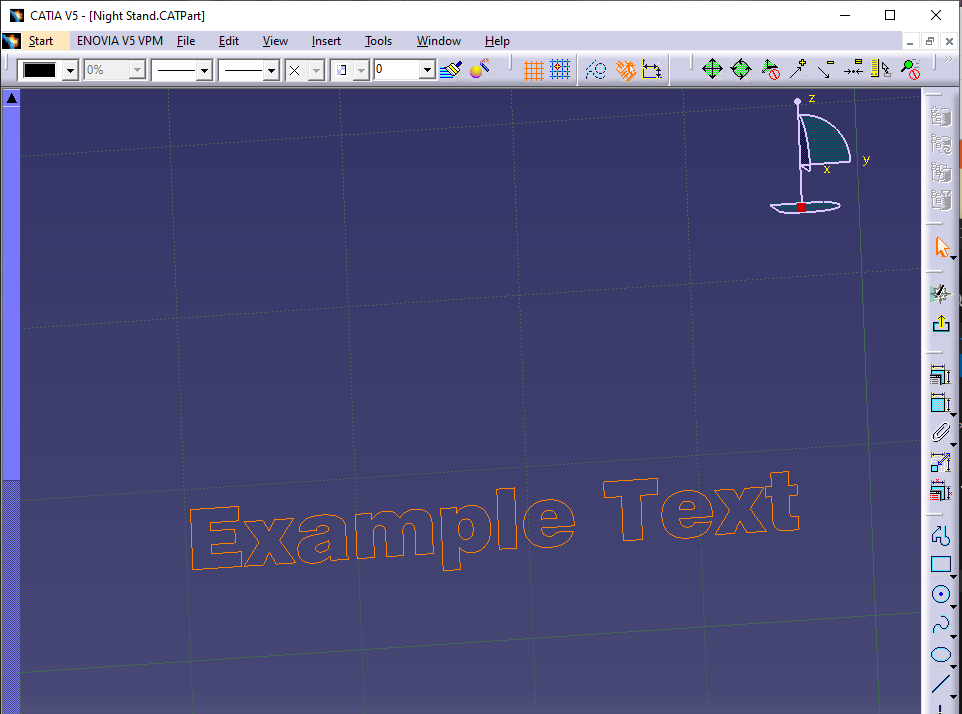
With the text pasted into a drawing, we can do anything with the text in the same way as any other drawing, like extruding it.