Time Sync through Firewalls for Valetudo

Valetudo has some built in functionality that makes use of the current time, however my vacuum is on a VLAN with absolutely no internet access. I would like to try out some of the time based features without needing to punch a hole in my firewall for internet based NTP, luckily this ended up being easier than expected.

Valetudo does let you configure the NTP time servers, and my vacuum can access home assistant. So why not run an NTP server there, which can sync to the internet, and provide time to my internal network, including valetudo. This all worked out well, so for others running valetudo and home assistant, just run the chrony app and point valetudo’s NTP settings at it and you’re off to the races.
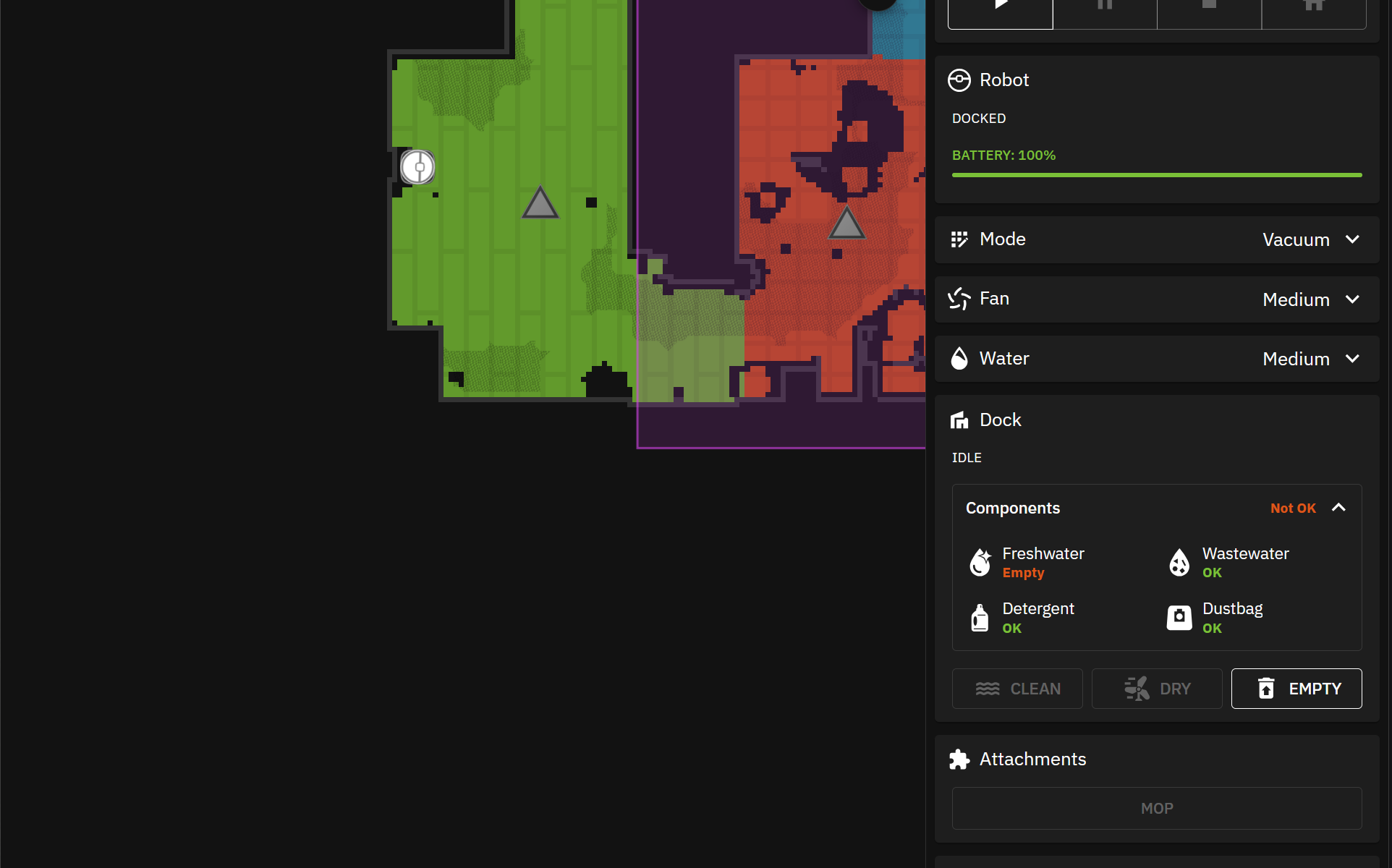
Installing Valetudo on a Dreame X40 Ultra

I picked up a Dreame X40 Ultra with the intent of installing Valetudo on it. Valetudo is an open source project that cuts the vacuums ties to the cloud and allows it to run entirely locally. This means the map of your house remains your own, the camera feeds from the vacuum remain yours, and all other sensor data remains local and isn’t sold to the nearest bidder.

Continue reading “Installing Valetudo on a Dreame X40 Ultra”

Linux USB WiFi

I needed a Linux desktop with Wi-Fi capabilities for a project I was working on, flashing valetudo to a dreame x40. The only problem is that my extra computer that I could install the specified Linux flavor on, was a mini PC with no onboard Wi-Fi. So I did some research and found this adapter that has good Linux support:

Panda Wireless PAU0F AXE3000

For Debian, the driver install is a single quick install away.

sudo apt install firmware-mediatek

The adapter ended up working out great and I was able to finish up the valetudo setup with it.